
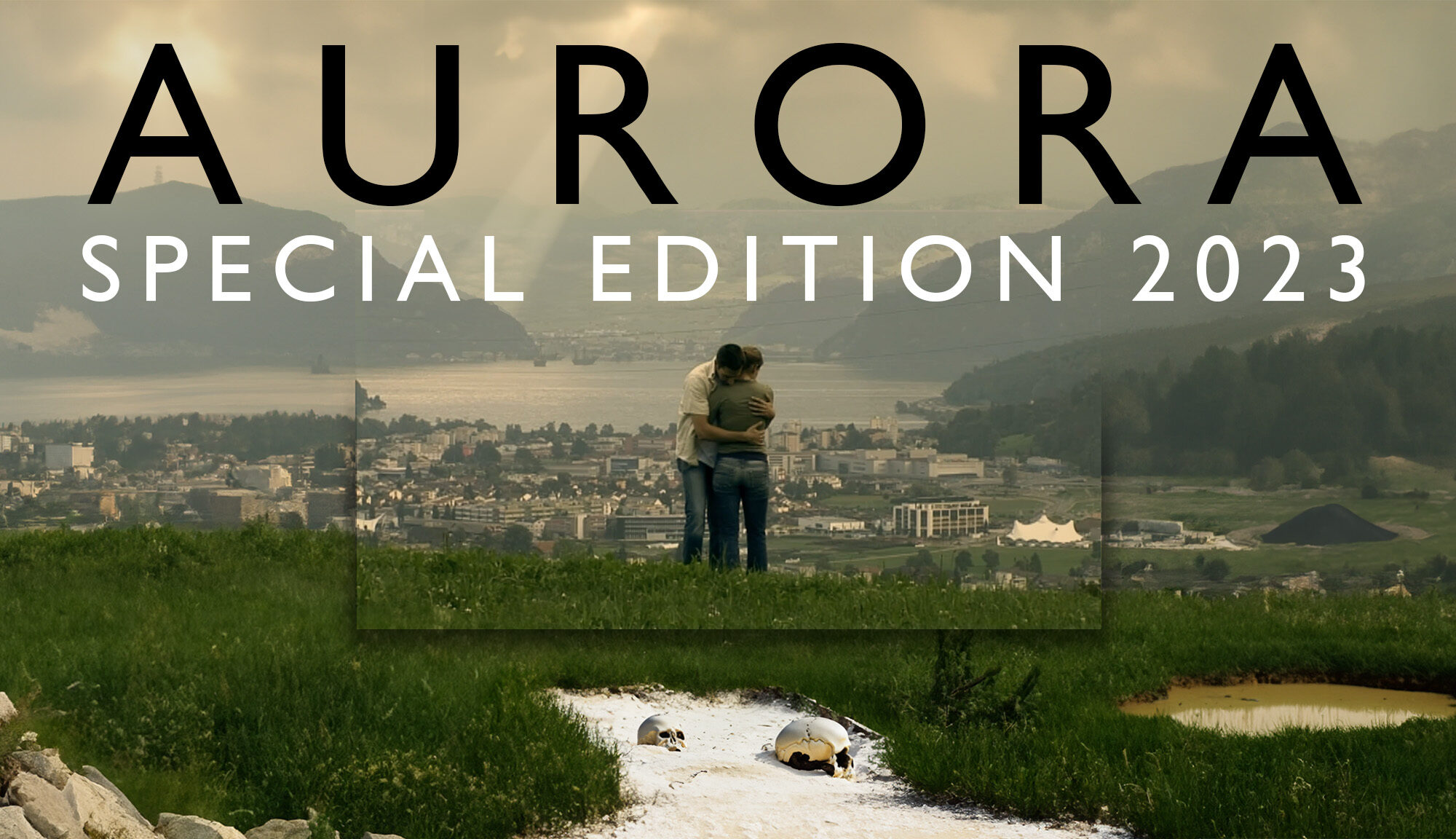
Aurora – Special Edition

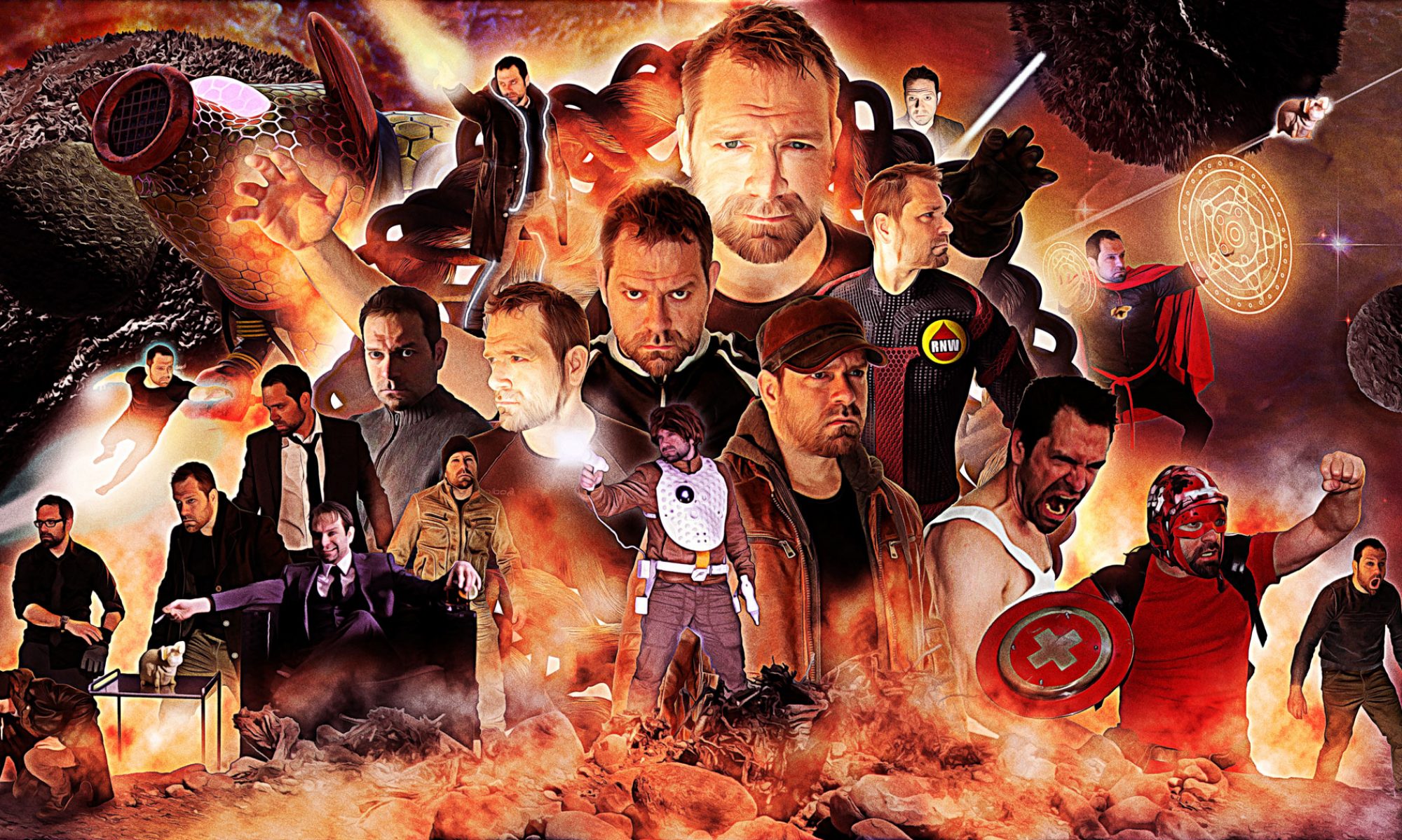
Inspired by Adobe Photoshop’s new generative AI capabilities, I gave my SAE thesis project back from 2007 the «Special Edition» treatment and made some minor changes I wasn’t able do the first time around when I was attending the digital film and animation school.

Especially one scene at the end never was as bombastic as I’d planned it to be. After some upscaling and with the help of some generative AI-magic the frame was extended and new details were added.

For dramatic effect I tried to generate some smoke-simulation in Blender but I was quickly reminded of the fact that one doesn’t just start up a 3D-software after years of absence without browsing through a handful of tutorials.

After hours of struggling and rendering, the first results were less than underwhelming and I went the old-school FX way of simulating smoke: Capturing footage of some milk dripped in water did the job just fine. When I cropped, enhanced and flipped some of the footage I had taken inside my kitchen cupboard earlier, there was no going back to Blender – for now.
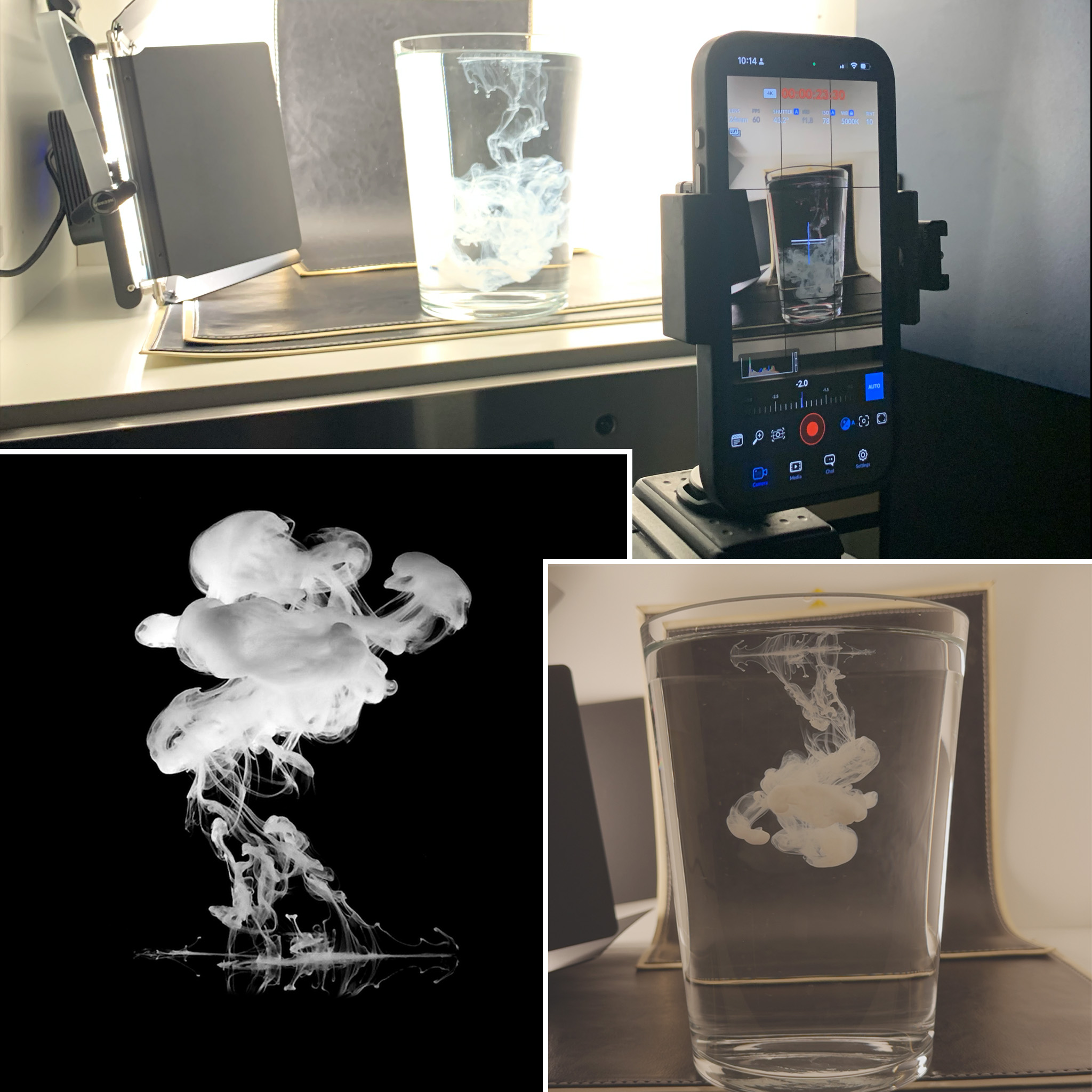
Making of the smoke clouds

It’s been 16 years since the original version of Aurora – a fictitious trailer, my very own homage to high concept disaster movies à la Independence Day but it hasn’t lost an ounce of its soul, enthusiasm and – admittedly – cringiness:

I give you: Aurora – Special Edition:

Aurora – Special Edition

Maybe the next version will finally get its own soundtrack without all the copyright issues…

In the meantime, here’s the original version and some bonus content:
The original version from 2007
Some outtakes for good measure

Creating a new header pic: Part 2

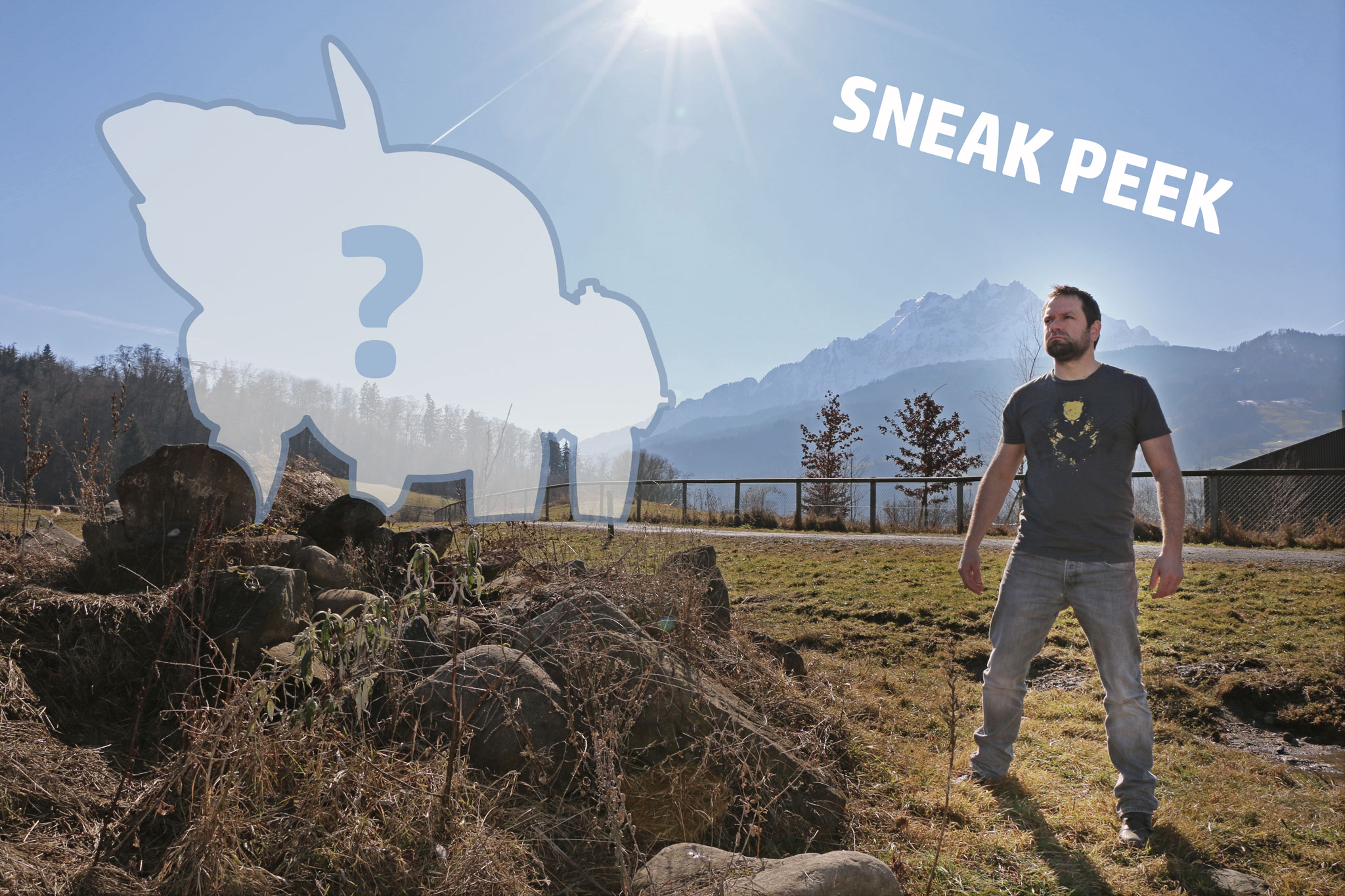
Due to change in weather, I’ve decided to update my current header pic project from snowy to springy. I shot some more pictures and learned from the mistakes I’d made while creating the first panoramic images as lighting and reference material (E.g. not to change camera settings or PTGui won’t recognize bracketed exposure sets).

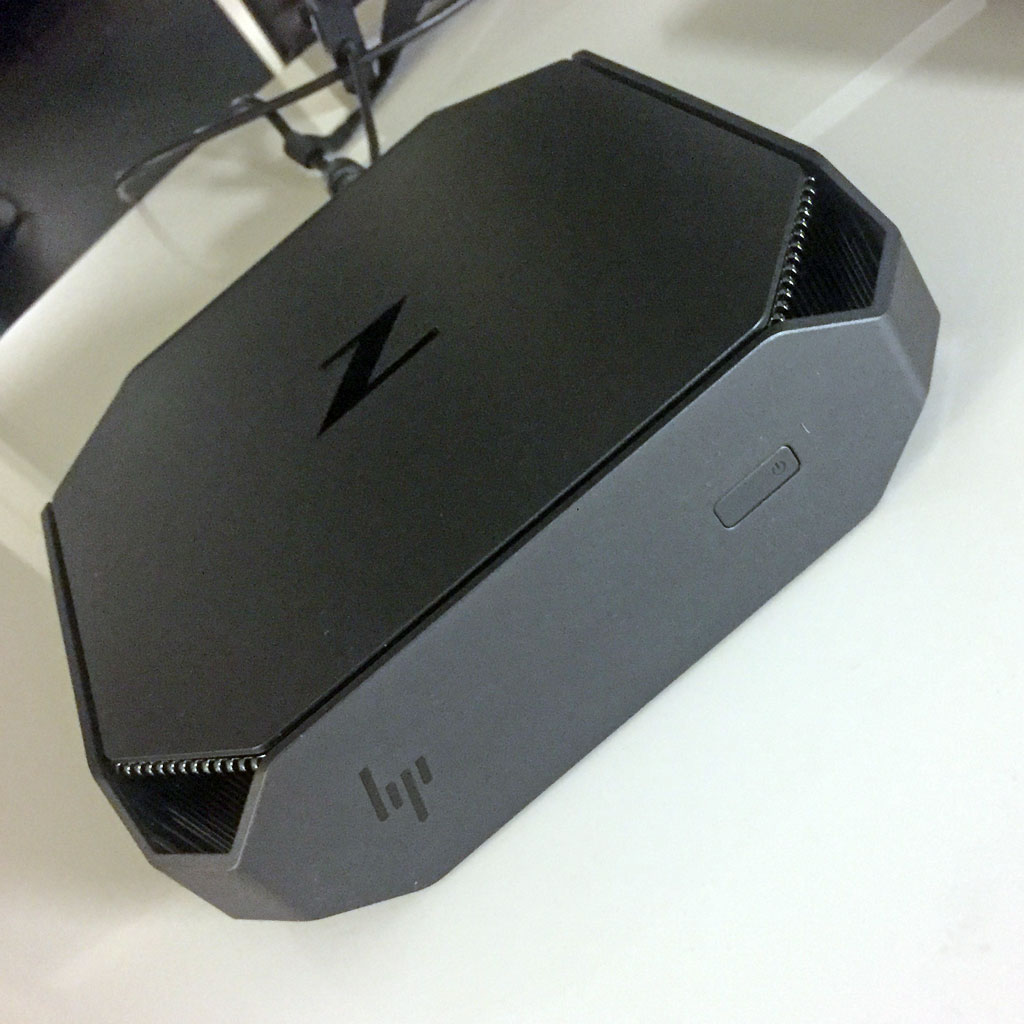
In other news: Because my old MacBook Pro just wouldn’t deliver, I’ve acquired a shiny new HP Z2 mini Workstation which seems to handle the workload quite well. I switched back to Windows 10 for this project because a new comparable Mac would’ve been just too expensive. (Money I badly needed for a new Adobe Creative Cloud License.)

In other news: I’ve learned that if you need some real-world terrain meshes for reference or modelling purposes, you can get them via SketchUp and it’s built-in geolocation system.

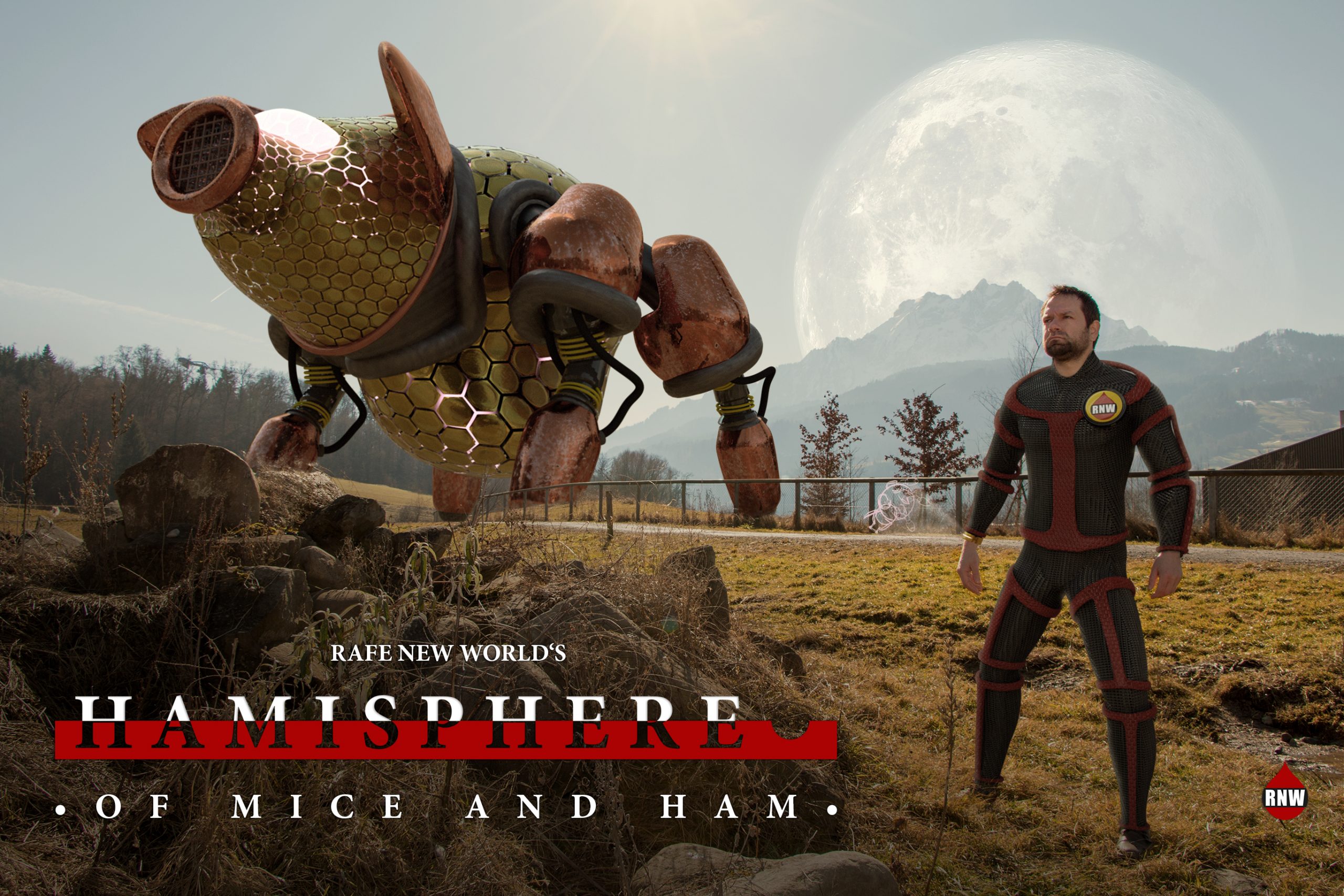
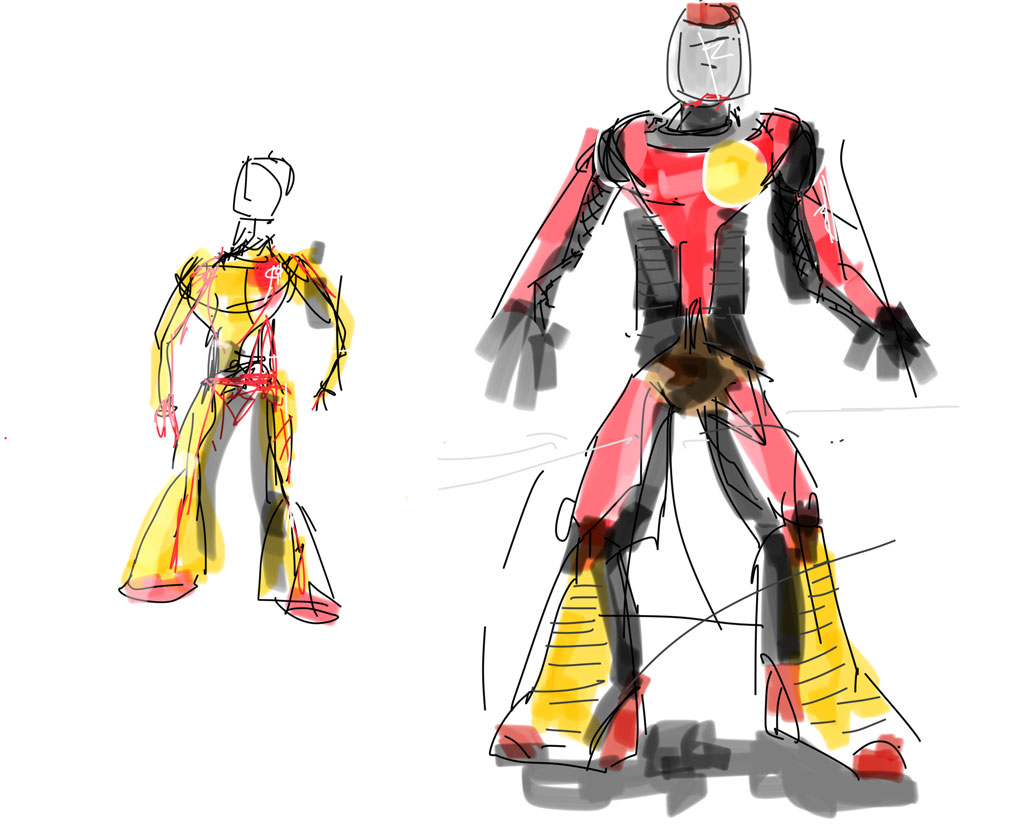
And for anyone who’s wondering what all this might be leading up to some random design sketches:

http://www.sketchup.com

Creating a new header pic: Part 1

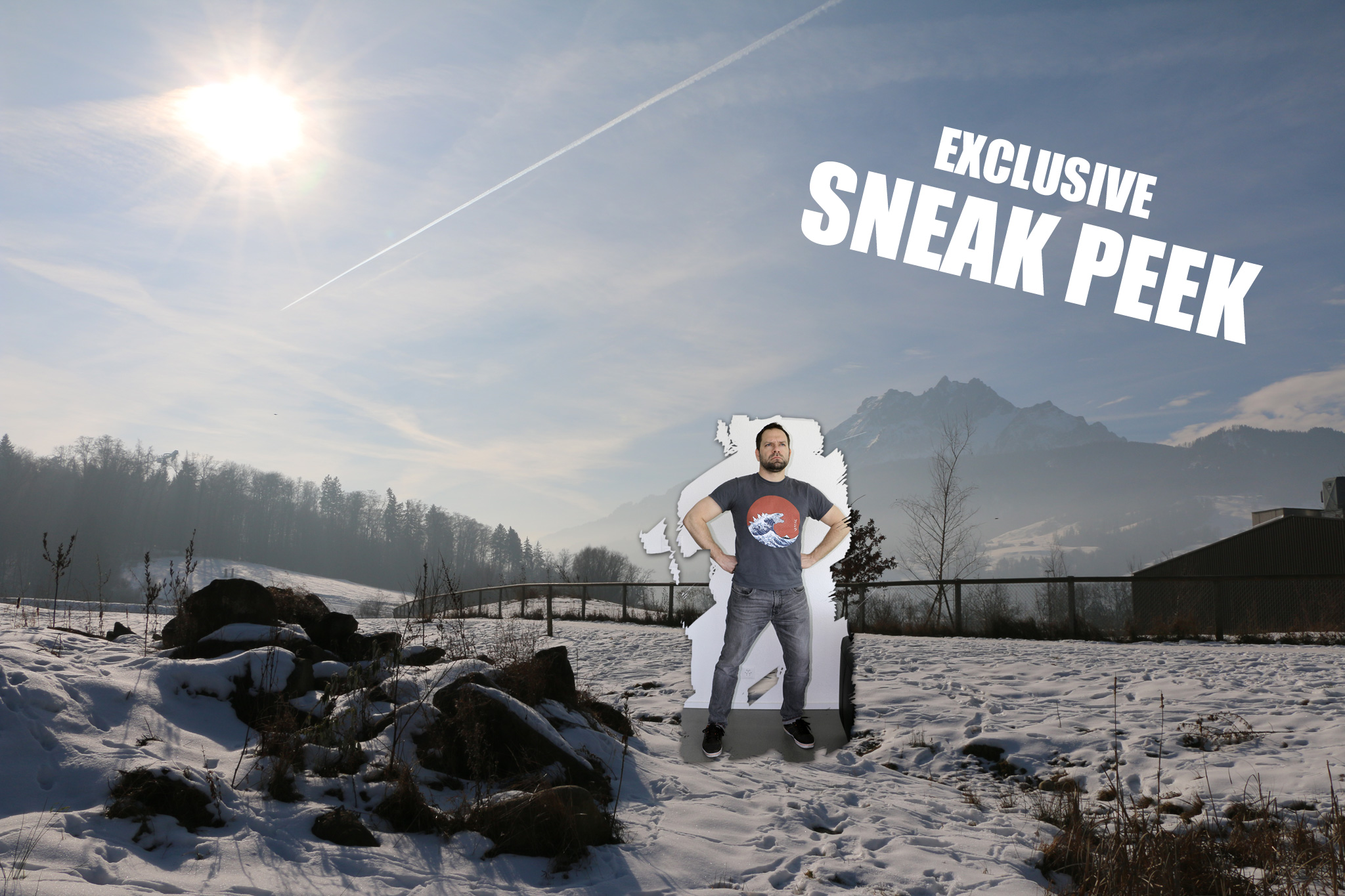
It’s high time to create a new header image for rafenew.world. Main shooting has wrapped, now it’s time to really get started:

Trying out  something new this time, I’m currently getting the hang of Blender, photorealistic shading and HDRI lighting.

And while I’m waiting for my first HDR image to be processed by PTGui (fingers crossed) I finally understand why a certain professional panoramic photographer (and friend) always insists to get the newest and fastest computer to do his «dirty work». Man, that automated panorama stitching is awfully slow on my old MacBook Pro!

In the meantime, I’d like to share some great tutorials by the «Blender Guru» about blender and photorealistic shaders and also this How-To create HDRI images by Greg Zaal.